Table of Content
Network Applications and IT Infrastructure Solutions for Modern Businesses
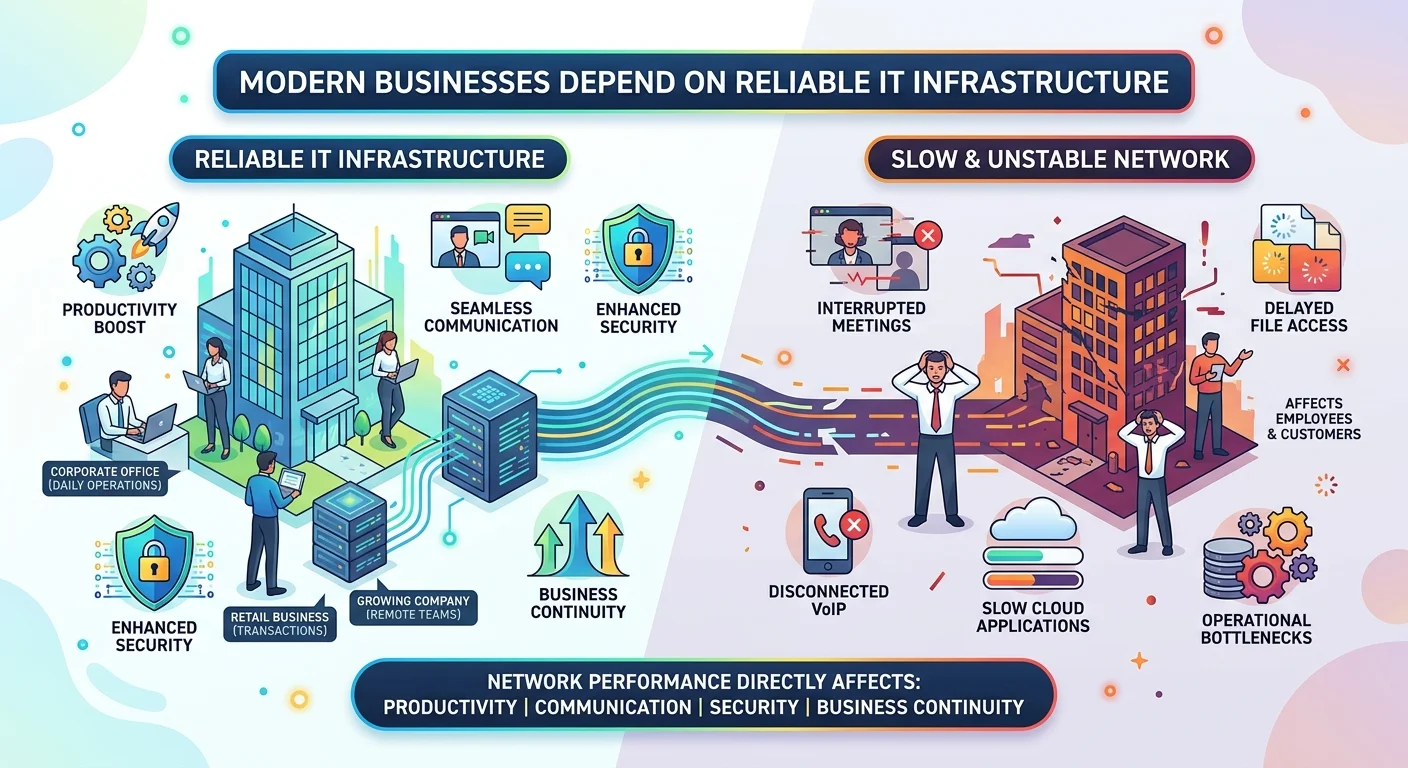
Modern businesses depend on reliable IT infrastructure more than ever before. Whether it is a corporate office handling daily operations, a retail business processing transactions, or a growing company managing remote teams, network performance directly affects productivity, communication, security, and business continuity.
A slow or unstable network is rarely a small technical issue. It can interrupt meetings, delay file access, disconnect VoIP calls, slow cloud applications, and create operational bottlenecks that affect employees and customers alike.
For businesses in Qatar and across the Middle East, the demand for stable, scalable, and secure network infrastructure continues to grow. Companies are moving toward cloud-based systems, centralized storage, wireless connectivity, IP telephony, and proactive IT maintenance strategies to improve efficiency and reduce downtime.
This guide explains the most important areas of modern network applications and enterprise IT infrastructure, including:
It is designed for business owners, office managers, IT teams, and organizations looking to build a reliable technology environment that supports long-term growth.
What Are Network Applications?
Network applications are systems, tools, and services that operate over a computer network to help businesses communicate, share data, manage operations, and access resources efficiently.
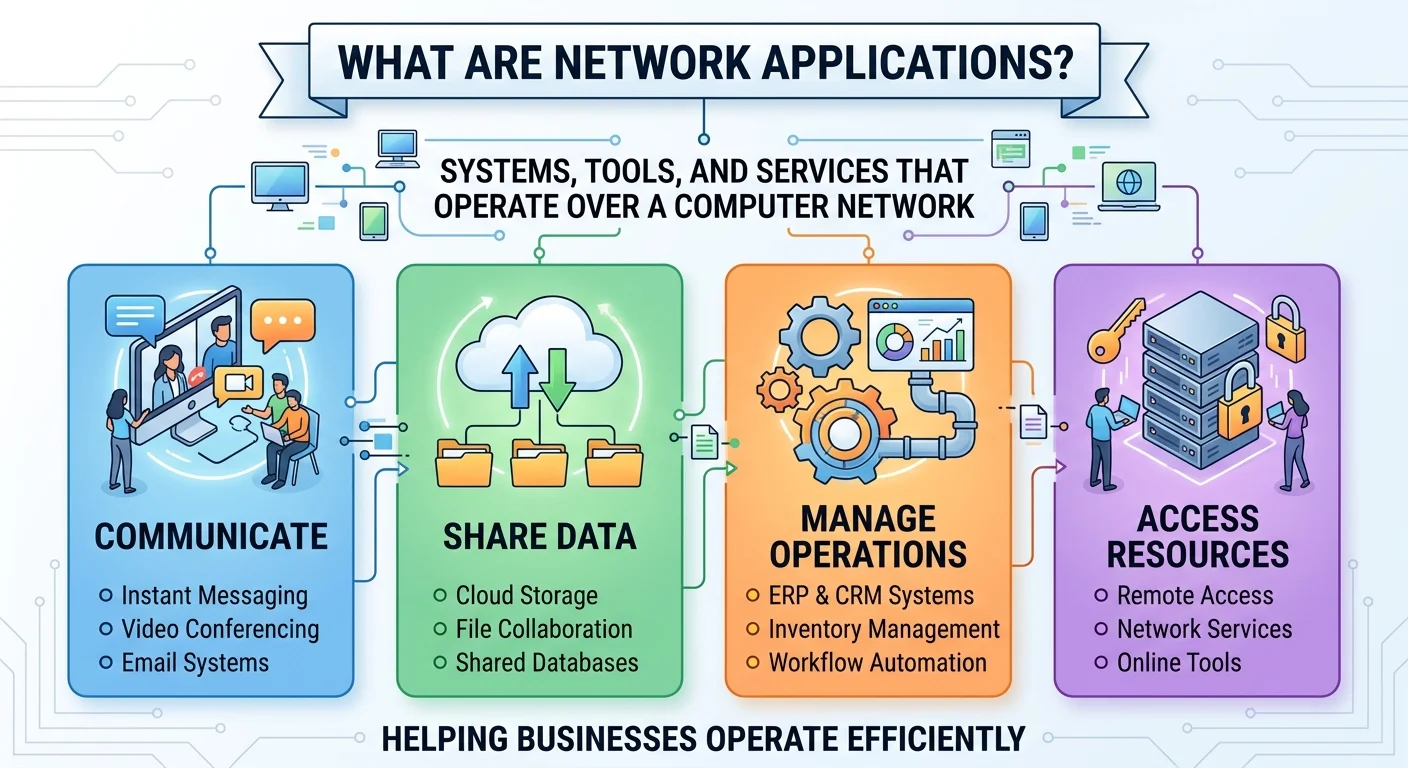
These applications may include:
In a business environment, network applications form the foundation of daily operations. Employees rely on them to access documents, communicate with clients, collaborate with teams, and manage business processes.
Without a properly designed network infrastructure, even the best software solutions can suffer from poor performance, connectivity issues, and security vulnerabilities.
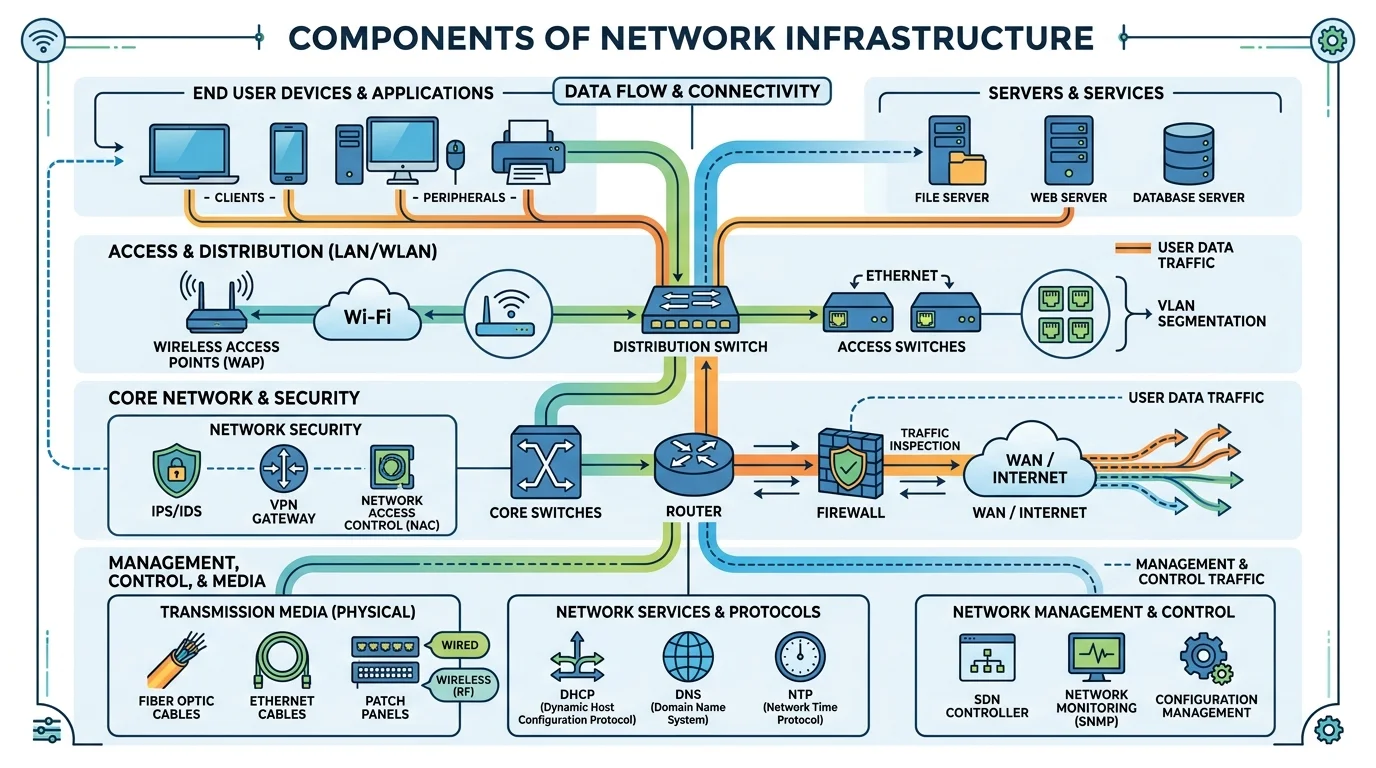
Why IT Infrastructure Matters for Businesses
A company’s IT infrastructure affects nearly every department. Stable networking improves productivity, communication, and security while reducing downtime and operational disruptions.
Businesses often begin investing in network upgrades after facing recurring issues such as:

These problems become more serious as businesses grow.
Common Business Challenges Caused by Weak Network Infrastructure
| Issue | Business Impact |
|---|---|
| Slow network speed | Reduced employee productivity |
| Poor wireless coverage | Communication interruptions |
| Unorganized data storage | Difficulty accessing files |
| Lack of backup systems | Risk of permanent data loss |
| Outdated phone systems | Missed customer communication |
| No maintenance plan | Unexpected downtime |
A properly designed infrastructure creates a stable environment that supports future expansion while reducing technical disruptions.
Network Setup and Wireless Networking
A reliable network begins with proper planning and implementation.
Many offices experience connectivity problems not because of internet provider limitations, but because the internal network was not designed correctly for the number of users, devices, and applications being used.
A professionally deployed wireless network improves both employee mobility and operational efficiency.
Businesses considering wireless deployment can learn more about the practical advantages in this detailed guide about

Common Wireless Networking Mistakes
Many businesses install wireless networks without proper site analysis or capacity planning. This often leads to:
Professional wireless deployment typically includes:
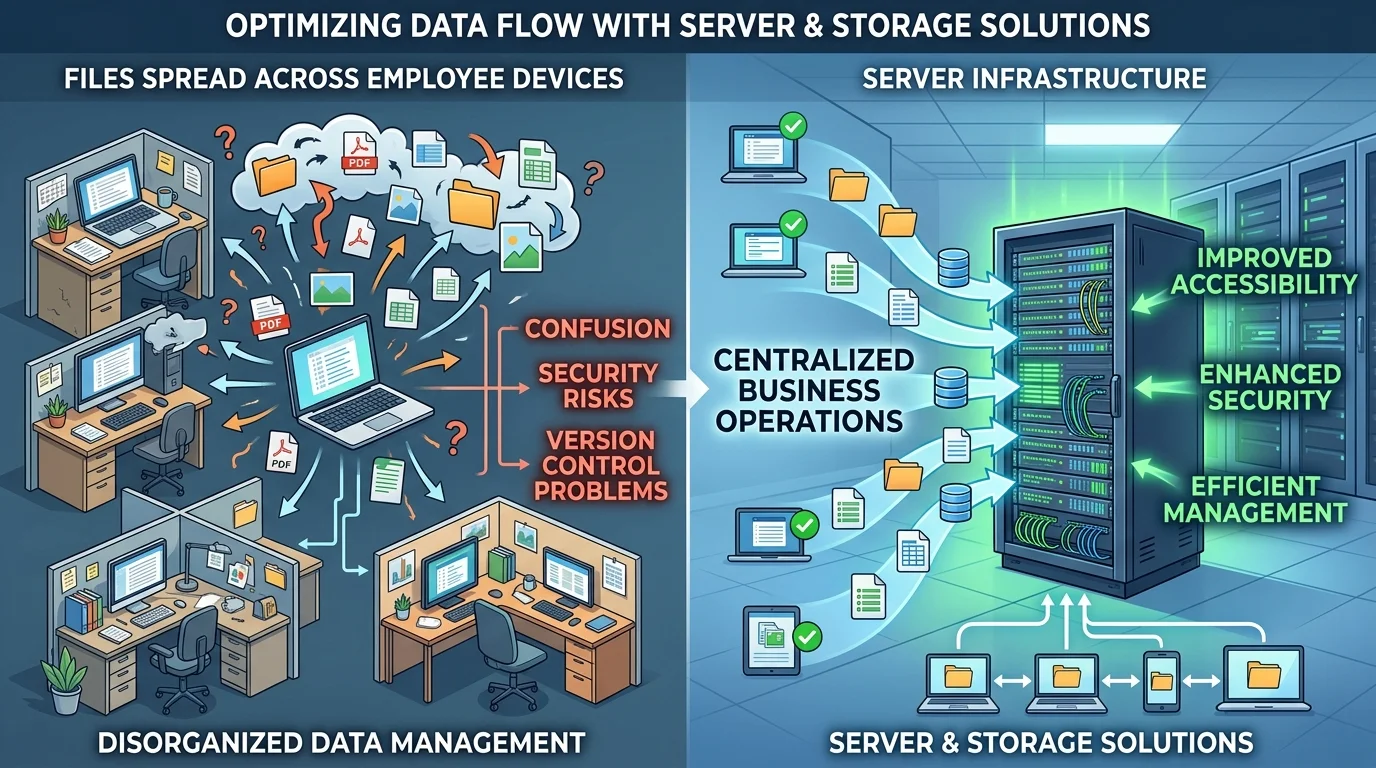
Server and Storage Solutions
As businesses grow, data management becomes more complex.
Files spread across multiple employee devices often create confusion, security risks, and version control problems. Server infrastructure helps centralize business operations while improving accessibility and security.
What Does a Business Server Do?
A server acts as a centralized system that stores, manages, and distributes data across the organization.
Business servers may handle:

Benefits of Centralized Server Infrastructure
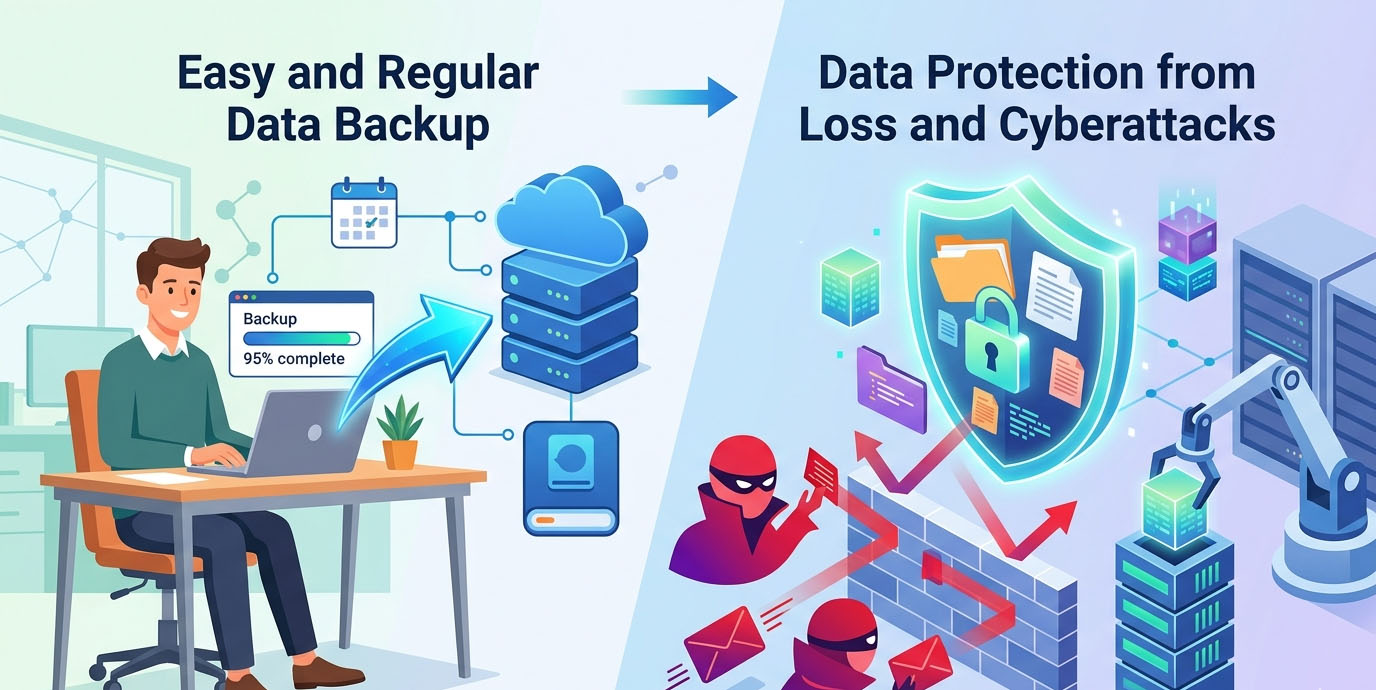
The Importance of Data Backup
Data loss remains one of the most damaging IT issues businesses can experience.
Even small organizations may lose:
Common causes of data loss include:
Businesses should implement both local and off-site backup strategies to reduce risk.
A deeper explanation of effective backup planning can be found in this guide about easy and regular data backup strategies
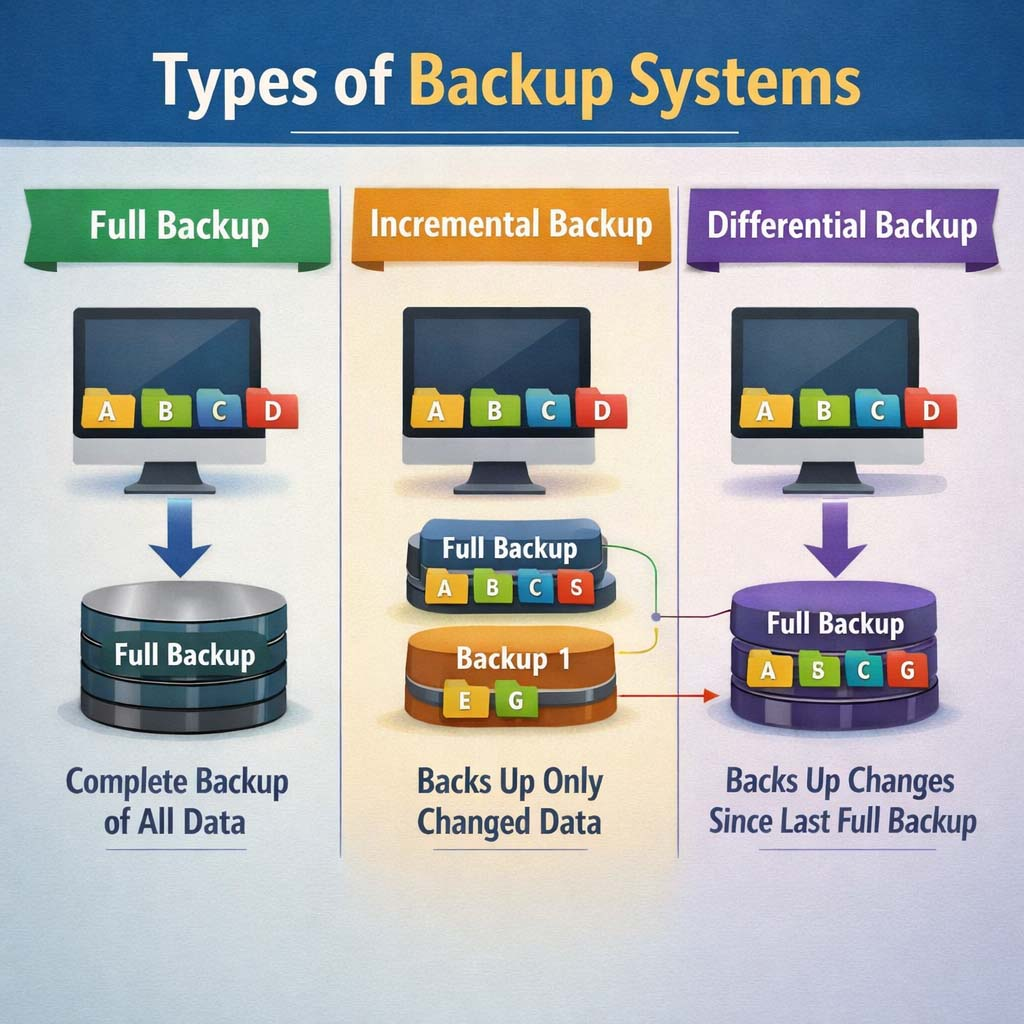
Cloud Backup vs Local Backup
| Backup Type | Advantages | Limitations |
|---|---|---|
| Local Backup | Faster restoration | Vulnerable to physical damage |
| Cloud Backup | Offsite protection | Internet dependent |
| Hybrid Backup | Best balance | Higher setup complexity |
Most enterprise environments benefit from hybrid backup systems.
Centralized Data Management
One of the most overlooked infrastructure problems in growing companies is decentralized file storage.
Employees storing files on individual computers create several risks:
Centralized data systems solve these issues by providing controlled access to shared resources.

Businesses exploring this approach can review the benefits of centralized data management systems
Advantages of Centralized Data Storage
VoIP and IP Telephony Systems

Traditional landline systems are gradually being replaced by VoIP technology in modern offices.
VoIP, or Voice over Internet Protocol, allows businesses to make phone calls over the internet instead of traditional telephone lines.
Why Businesses Are Moving to VoIP
Modern VoIP systems offer flexibility that traditional systems often cannot provide.
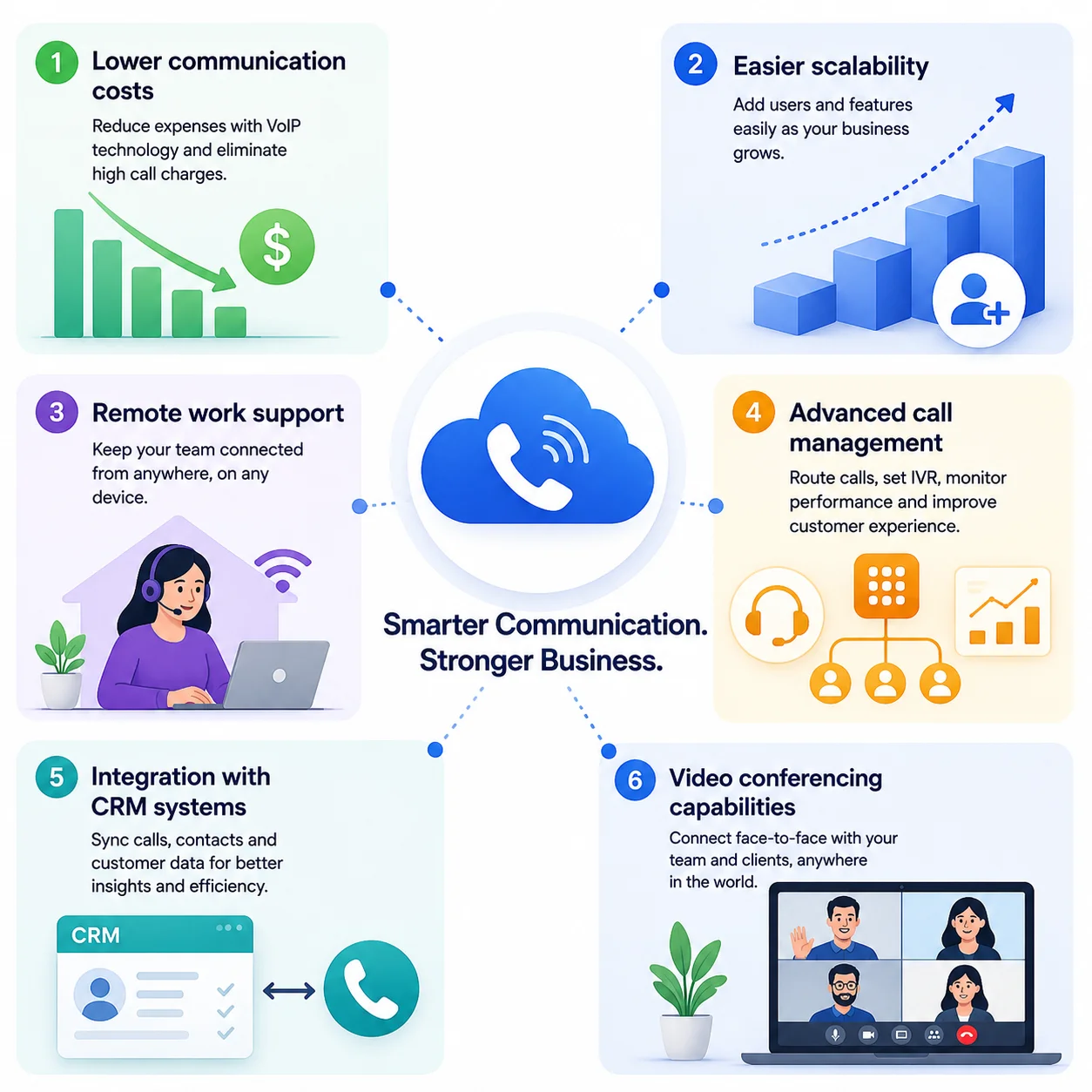
Landline vs VoIP
Businesses evaluating communication upgrades should understand the operational differences between traditional and IP-based systems.
This comparison of landline vs VoIP systems explains the advantages and limitations of each approach.

VoIP Requirements for Stable Performance
VoIP quality depends heavily on network stability.
This is why VoIP deployment should always be planned alongside network infrastructure optimization.
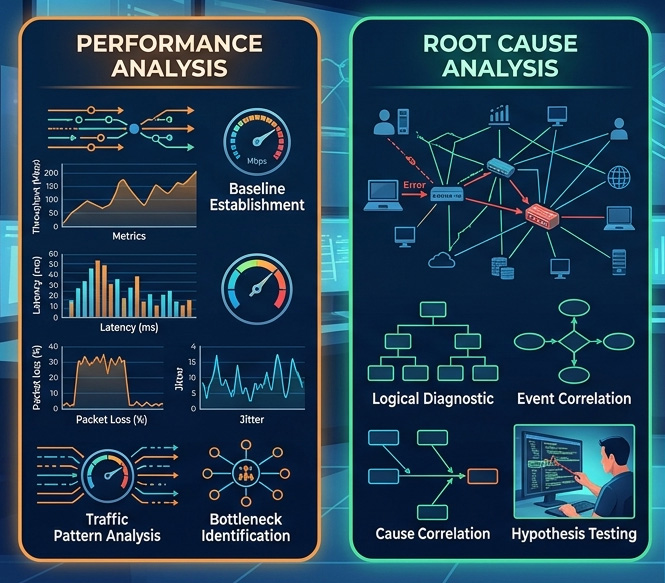
Network Troubleshooting and Performance Optimization

Even well-designed networks eventually experience issues.
The difference between stable businesses and constantly interrupted operations often comes down to how quickly problems are identified and resolved.
Common Network Problems in Business Environments
Businesses facing these challenges can review this guide about
Why Network Troubleshooting Matters
Many companies ignore small networking issues until they begin affecting operations at scale.
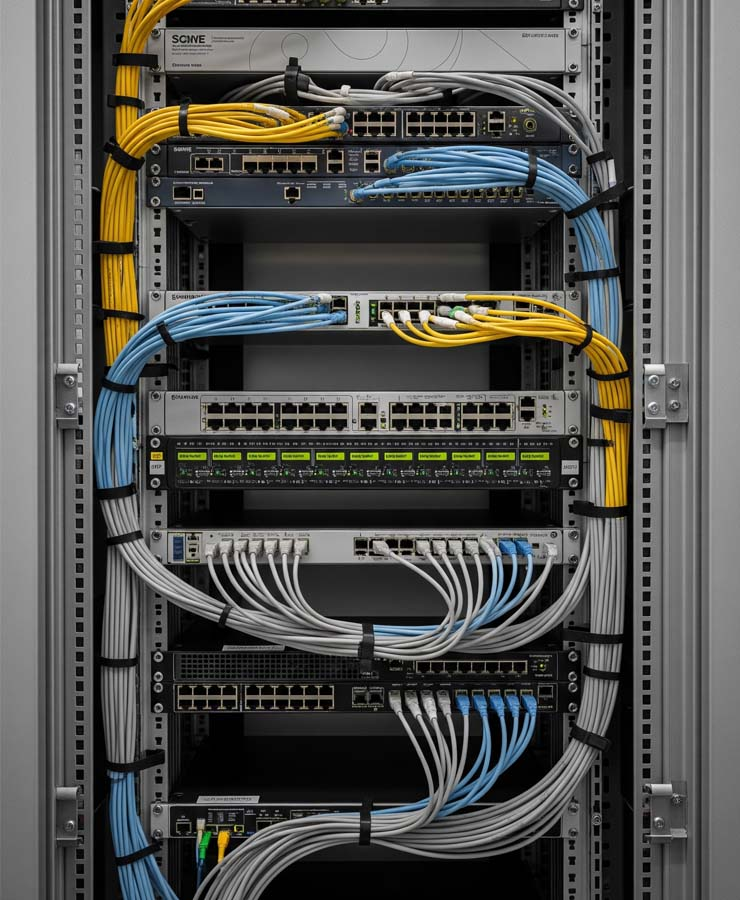
Proactive troubleshooting helps businesses:
This detailed article explains why network troubleshooting is important for businesses
Professional Troubleshooting Process
Experienced IT engineers typically follow a structured troubleshooting approach:
- 1
Identify symptoms
- 2
Isolate affected systems
- 3
Analyze network traffic
- 4
Test connectivity layers
- 5
Verify hardware functionality
- 6
Review configuration changes
- 7
Apply corrective actions
- 8
Monitor post-resolution stability
IT Maintenance Contracts and Ongoing Support

Many businesses only contact IT providers after experiencing major failures.
Reactive support often leads to:
A proactive maintenance agreement helps prevent many common infrastructure issues before they escalate.
What Is an Annual Maintenance Contract?
An Annual Maintenance Contract (AMC) is an ongoing IT support agreement that provides scheduled maintenance, monitoring, troubleshooting, and technical assistance.
Businesses considering long-term IT stability can explore the advantages of an

Typical AMC Services Include
Why Maintenance Contracts Matter
Choosing the Right Networking Partner
Selecting the right IT infrastructure provider is a long-term business decision.
Many organizations focus only on pricing during the selection process, but experience, response time, and technical expertise often matter more over time.

What Businesses Should Look For
Practical Example: A Growing Office Network
A mid-sized office in Qatar may begin with:

As the business grows to 50 employees, the environment often requires:

Without infrastructure upgrades, performance problems become unavoidable.
This growth pattern is common across many organizations in Doha and the surrounding business districts.
Professional IT Infrastructure Support for Businesses
Organizations planning infrastructure upgrades should focus on long-term reliability rather than temporary fixes.

Professional IT support can assist with:

Businesses looking for stable and scalable IT infrastructure solutions can contact
Soft Pro Technology for technical consultation and infrastructure support tailored to office environments and enterprise requirements.
Frequently Asked Questions
Final Thoughts
Reliable network infrastructure is no longer optional for modern businesses. From wireless connectivity and centralized storage to VoIP communication and proactive maintenance, every component of the IT environment affects operational efficiency.
Businesses that invest in properly designed infrastructure typically experience:

As organizations continue adopting cloud services, remote collaboration tools, and digital business processes, the importance of stable networking will only continue to grow.
Companies planning to upgrade their infrastructure, improve network reliability, or implement scalable business networking solutions should work with experienced IT professionals who understand both technical requirements and operational realities.